


Creating a TrueWin Account

Registration and login sit side by side in the upper right corner of the site, yet they serve two different purposes. Registration is a one-time procedure: you fill in a form, the platform creates your profile, and from that moment the account exists. Login is everything that follows – the short routine of entering your saved details whenever you return. New visitors sometimes press the wrong button and wonder why the form looks unfamiliar… a common mix-up, easily avoided. If you already hold a profile, use the sign-in window; if this is your first visit, Register is the door you want.
One point deserves attention before any form-filling begins. Rules on online casino play and sports betting vary between countries and can change, so please confirm independently that such activity is permitted in your jurisdiction before you register, deposit, or play. That check is yours to make, and no guide replaces it. What follows is a factual walk-through of the current sign-up procedure – written calmly, with no urgency attached. Read it through first, and open the registration form only when you are comfortable proceeding.
Registration from Start to Finish
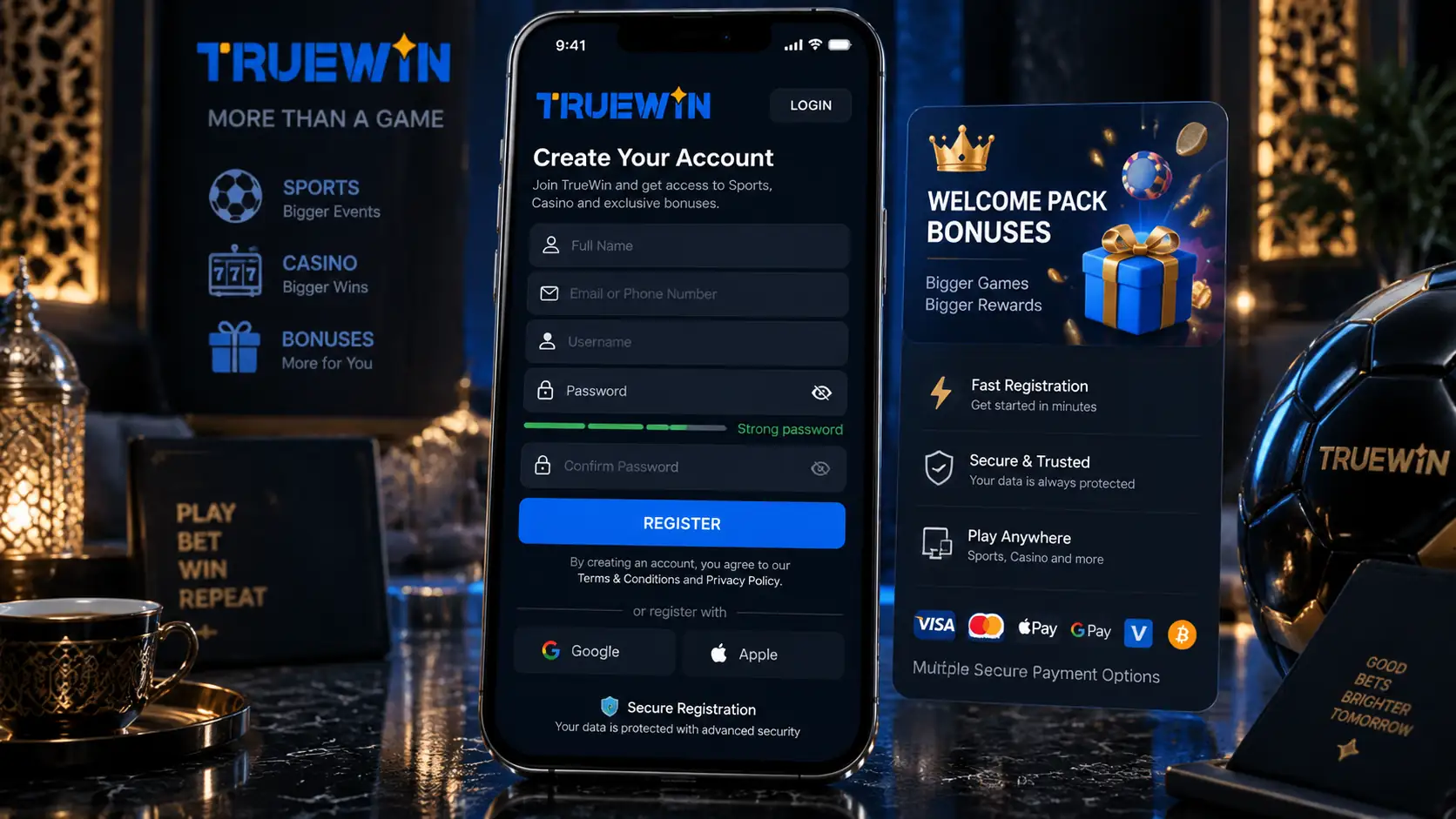
The current form gathers everything in a single pass, and none of it requires preparation beyond having your identity details at hand. Expect a few minutes, not more. The sequence below mirrors the order in which the form presents its fields:
- Provide your contact – a mobile phone number or an email address;
- Enter the captcha code displayed on the screen;
- Confirm that you are 21 years of age or older;
- Confirm your agreement with the casino rules;
- State your first, middle, and last name;
- Enter your EID No.;
- Indicate your date of birth.
Accuracy matters more than speed here. The name, ID number, and date of birth you type become the foundation of the profile, so spell everything exactly as it appears in your documents – no abbreviations, no guesswork. Why risk a mismatch that surfaces later? A careful minute at this stage saves correspondence with support afterward. Once the form is submitted, the profile is created, and your chosen contact plus password become your permanent sign-in pair. When you are ready, open the official site and take the steps at your own pace.
Information Required During Sign-Up
The form requests a compact set of details, nothing sprawling. Each field has a clear role, and the table below lays them out so you know precisely what to expect before you begin. Nothing beyond these items is collected at the sign-up stage.
| Detail requested | Role in the process | Practical note |
| Phone number or email | Your contact and future sign-in identifier | Choose the one you actually check |
| Captcha code | Filters out automated registrations | Retype carefully if the characters are unclear |
| Age confirmation (21+) | Restricts access to adults | A mandatory confirmation, not optional |
| Agreement with the rules | Records your acceptance of the terms | Read the rules before ticking the box |
| First, middle, and last name | Personal identity details | Enter exactly as written in your documents |
| EID No. | Identity detail requested by the form | Copy it precisely from the card |
| Date of birth | Confirms the age requirement | Must match your documents |
Treat this table as a packing list. Have the details ready, enter them once, enter them correctly – and the rest of the process stays smooth. If any field raises a question the form itself does not answer, the Help Center is the sensible first stop.
Verification and KYC
Because the sign-up form already collects your full name, EID No., and date of birth, identity plays a central role from the very beginning. The platform may ask you to confirm these details, and any such check rests on one simple principle: the information in your profile must match your documents. That is the entire logic of verification. Registering with accurate data is therefore not just good manners – it is the single best way to keep your account free of friction later on.
The precise procedure and timing of checks are governed by the casino rules you accept during registration, so the honest recommendation is unglamorous: read them. The rules and the Help Center describe the platform’s current requirements, and support can clarify anything specific to your situation through live chat. Keep your linked phone number and email current as well, since verification-related messages travel through those channels. Ready documents, truthful data, updated contacts… three quiet habits that make the whole subject a non-event.
First Steps After Registration

So the profile exists – what now? Your new credentials open the full account area at once, and the layout is easy to absorb in a single unhurried session. The main destinations after sign-up are:
- Profile – your personal details and account settings;
- Cashier – the wallet area for deposits, withdrawals, and transaction history;
- Casino – the games lobby, available directly after entry;
- Sports betting – match listings and markets for placing selections.
There is no requirement to deposit immediately, and no timer running. Browse the lobby, look through the sports markets, open the Promotions page and read the written terms attached to each offer – forming your own impression first is a perfectly good use of a first visit. When you do decide to fund the account, the Cashier handles it in one place, and a modest first deposit made without haste is a reasonable way to begin. Alongside that, set your own boundaries early: limits on time and spending, sessions treated as entertainment rather than income, and a willingness to step away whenever the enjoyment fades. Responsible play is the default posture here, not an afterthought.
Common Sign-Up Problems
Most registration hiccups are small and mechanical. The captcha is the usual suspect: if the code is rejected, retype it slowly rather than rushing a second guess. A contact already linked to an existing profile is another frequent case – the answer is not a second registration but the sign-in window and its password recovery option, which restores access through your registered phone or email. Typos in the name or EID No. cause quieter trouble, surfacing only when details are compared with documents, so a careful re-read before submitting is worth the ten seconds it costs.
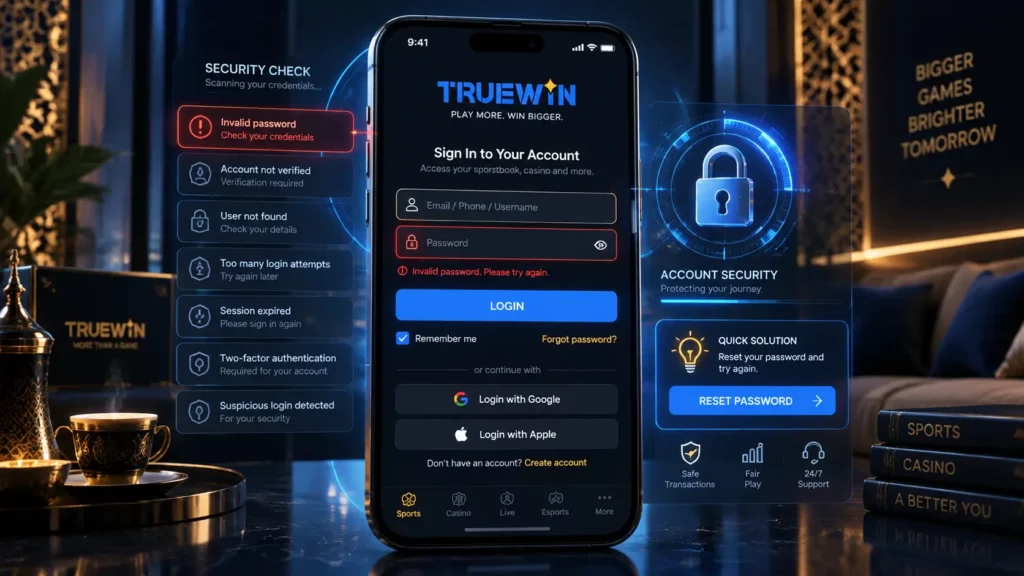
A few situations sit outside your control. A confirmation message that never arrives usually means a spam folder or a mistyped address – check both before retrying. If the form will not proceed and the reason is unclear, or if the age requirement raises a question, write to support through live chat or the Help Center with your registered contact at hand. Never share your password with anyone, support included; no genuine procedure requires it. Two calm minutes of troubleshooting resolve the great majority of cases.
Registration FAQ
Registration creates the profile once; login is the repeat entry with the contact and password you set during sign-up. The two buttons sit together in the upper right corner.
Yes. The form accepts either a mobile number or an email address as your contact, and the one you choose becomes your sign-in identifier.
You must be 21 or older, and the form asks you to confirm this during registration.
It is part of the identity details the current form collects, alongside your full name and date of birth. Enter it exactly as printed on the card.
No. One registration covers both – the same profile opens the games lobby, the sports markets, and the Cashier. Before creating it, remember to confirm that online play is permitted in your jurisdiction.